


Progress
68%
Demo Experience
Discover MySmartAcademy as if you were already a student.
Watch the presentation, sign in to the demo account, and freely explore the dashboard, subjects, progress, XP points, and Questions area.
Mobile first
Secure Shared Account
Immediate Access
Student Dashboard
Hello Demo
Ready to make progress today?
Points
1 240 XP
Questions
Available
Continue Now
Mathematics
Guided Presentation
Discover the complete student experience.
One clear video to understand sign-in, the dashboard, subjects, progress, and the MySmartAcademy application.
Student Demo Account
1
2
3
Sign in and explore freely.
Use the credentials provided to experience the platform exactly as a student would.
Copy the Credentials
Use the buttons to copy the email address and password.
Open the Sign-In Page
The button takes you directly to the MySmartAcademy sign-in page.
Start the Demo
Explore subjects, progress, and the Questions area.
Public Demo Access
Demo Student Account
Available
demo@mysmartacademy.com
DEMO
The password is written in uppercase letters.
Simple Journey
Three steps to experience the demo.
Watch the Presentation
Quickly understand the platform's key benefits.
Sign In to the Demo Account
Use the credentials provided on this page.
Explore Freely
Explore courses, progress, points, and questions.
What You Can Test
A Real Student Experience.
The demo allows you to explore the main MySmartAcademy areas.
Student Dashboard
Progress, remaining access, subjects, and today's recommendations.
Subjects and Courses
Browse the content available for the demo class.
Smart Resume
Continue exactly where the student stopped.
Questions for Teachers
Discover the personalized learning support area.
Progress and Rewards
View XP points, activities, and rankings.
Responsive Experience
Test the platform on a smartphone, tablet, or computer.
Recommended Journey
Six Actions to Test.
Follow this journey to discover the essentials of MySmartAcademy in just a few minutes.
Start the Demo- 1Review your overall progress.
- 2Open a subject.
- 3Start a course.
- 4Explore a quiz or exercise.
- 5Return to the dashboard.
- 6Explore the Questions area.
Mobile Demo
Test MySmartAcademy on your smartphone.
Scan the QR code to open the sign-in page and discover the mobile-first experience.
Smartphone
Tablet
Computer
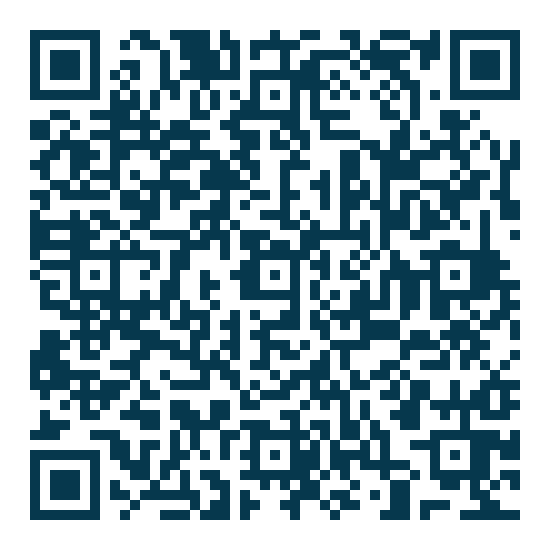 Scan to Sign In
mysmartacademy.com
Scan to Sign In
mysmartacademy.com
Shared Account
A Safe and Respectful Demo.
This account is shared by multiple visitors. Progress data may be reset regularly. Do not enter personal information or change the account settings.
Take the Next Step
Ready to Start Your Own Journey?
Choose the subscription that matches your class and access your personal MySmartAcademy space.